Your Aviation Weather Companion

AirportWX

Real-time METAR, TAF, and weather alerts for 48,000+ airports worldwide. Designed for pilots, flight simulator and aviation enthusiasts.

48,000+ Airports

Worldwide coverage

Real-Time Data

Live weather updates

Smart Alerts

Never miss changes
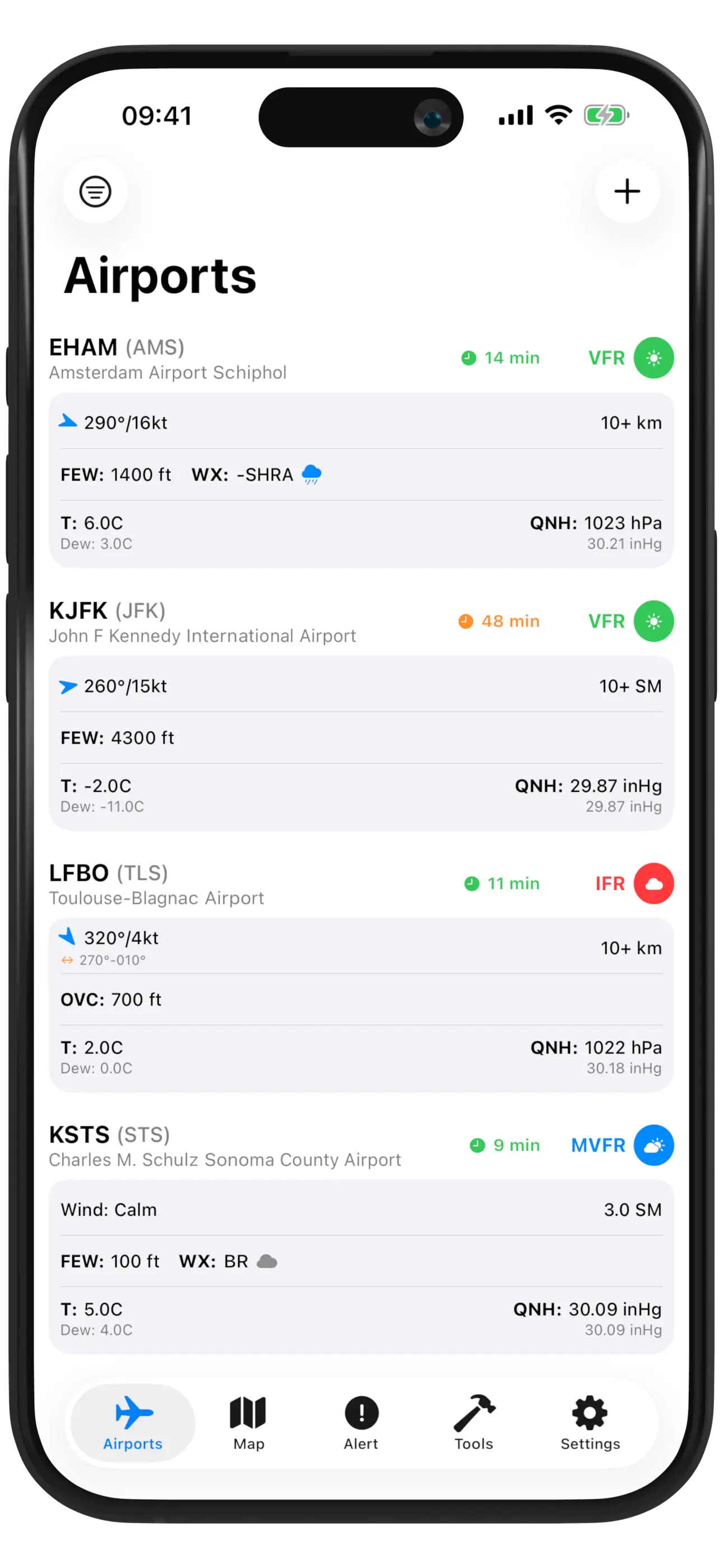
AirportWX Screenshot
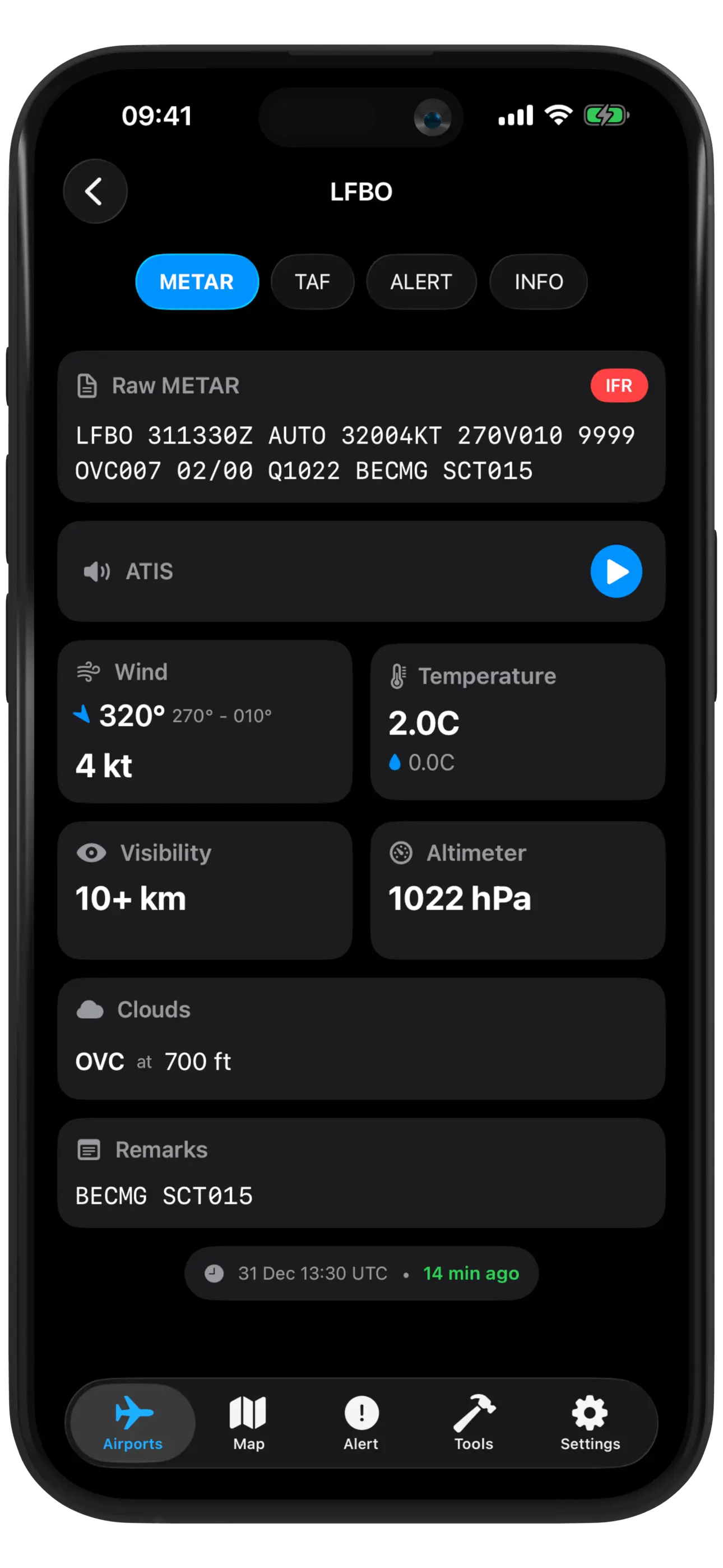
AirportWX screenshot showing METAR

Real-Time Weather Data

Get instant access to METARs, TAFs, and NOTAMs for thousands of airports worldwide. Beautiful, easy-to-read format designed specifically for pilots.

✈️

Built for Pilots

AirportWX is designed from the ground up for aviation weather briefing. Fast, reliable, and beautiful - everything you need for flight planning.

See features →
AirportWX features overview

Everything You Need

Powerful features for flight planning

Real-time METAR and TAF data

NOTAMs for your airports

Favorite airports for quick access

Offline mode - view cached weather

Beautiful, pilot-friendly interface

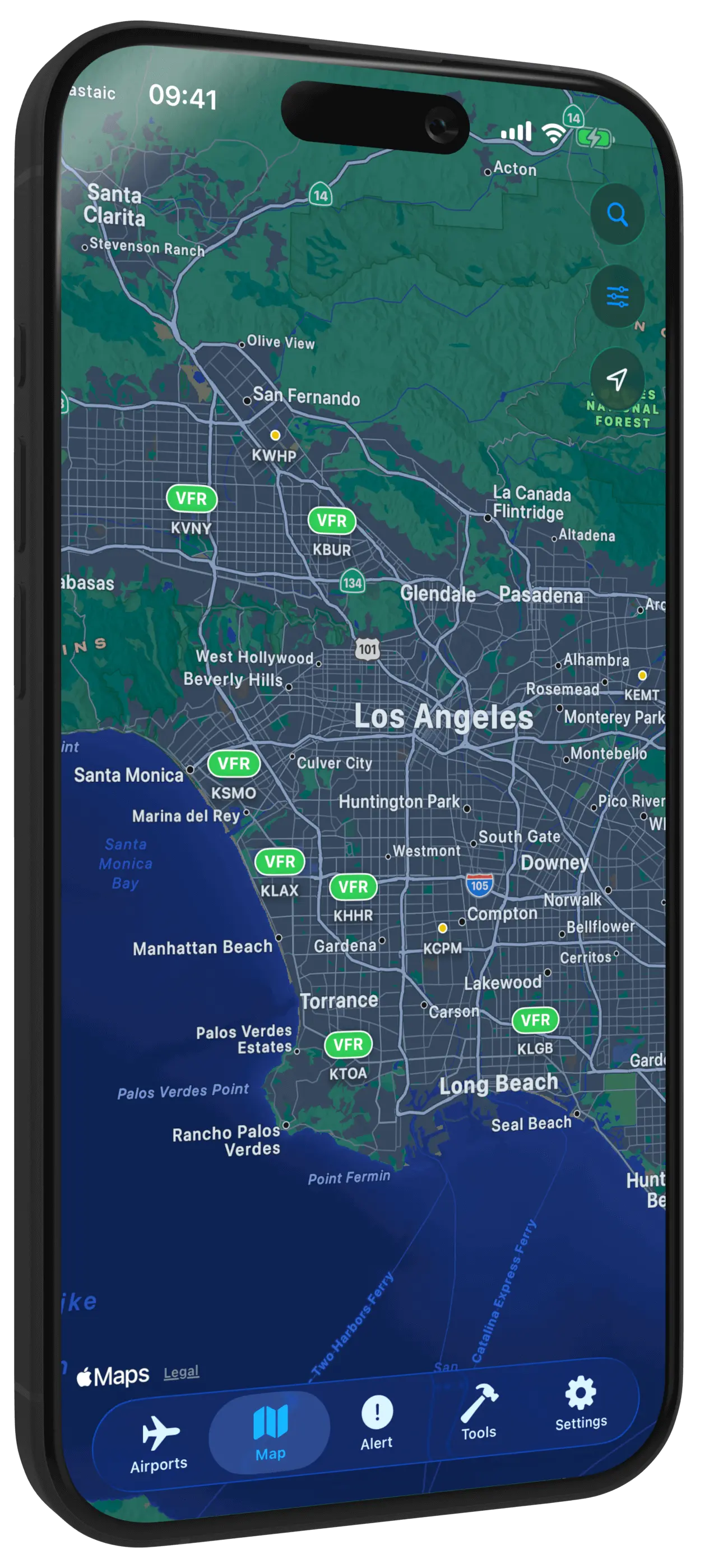
AirportWX interactive map

Visualize Weather Conditions Worldwide

View real-time flight rules across the globe with our interactive airport map. Color-coded VFR, MVFR, IFR, and LIFR conditions make it easy to plan your route.

48,000+ Airports

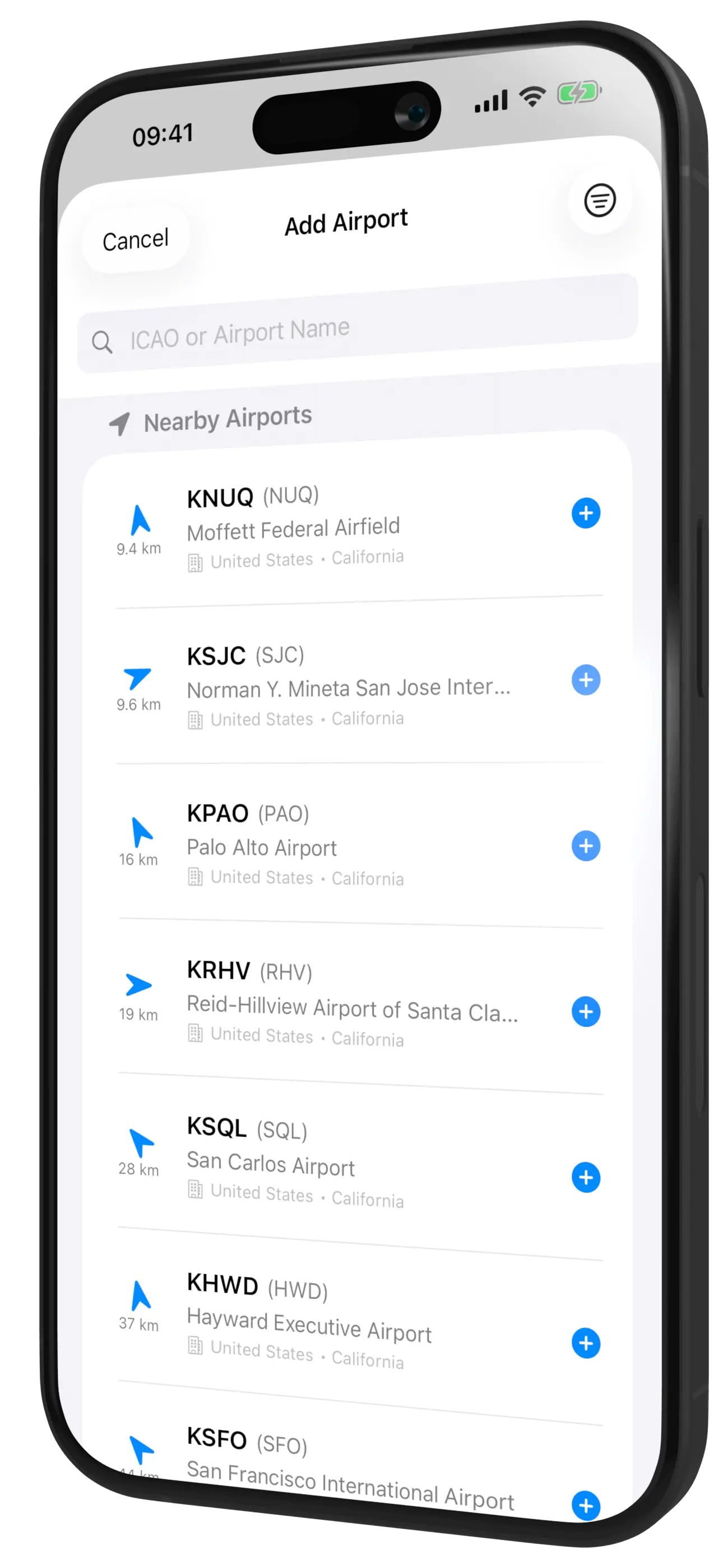
Access weather data for airports worldwide with ICAO and IATA codes

Live Flight Rules

Color-coded visualization of VFR, MVFR, IFR, and LIFR conditions

Filter by Size

Show large, medium, or small airports based on your needs

Never Miss Critical Weather Changes

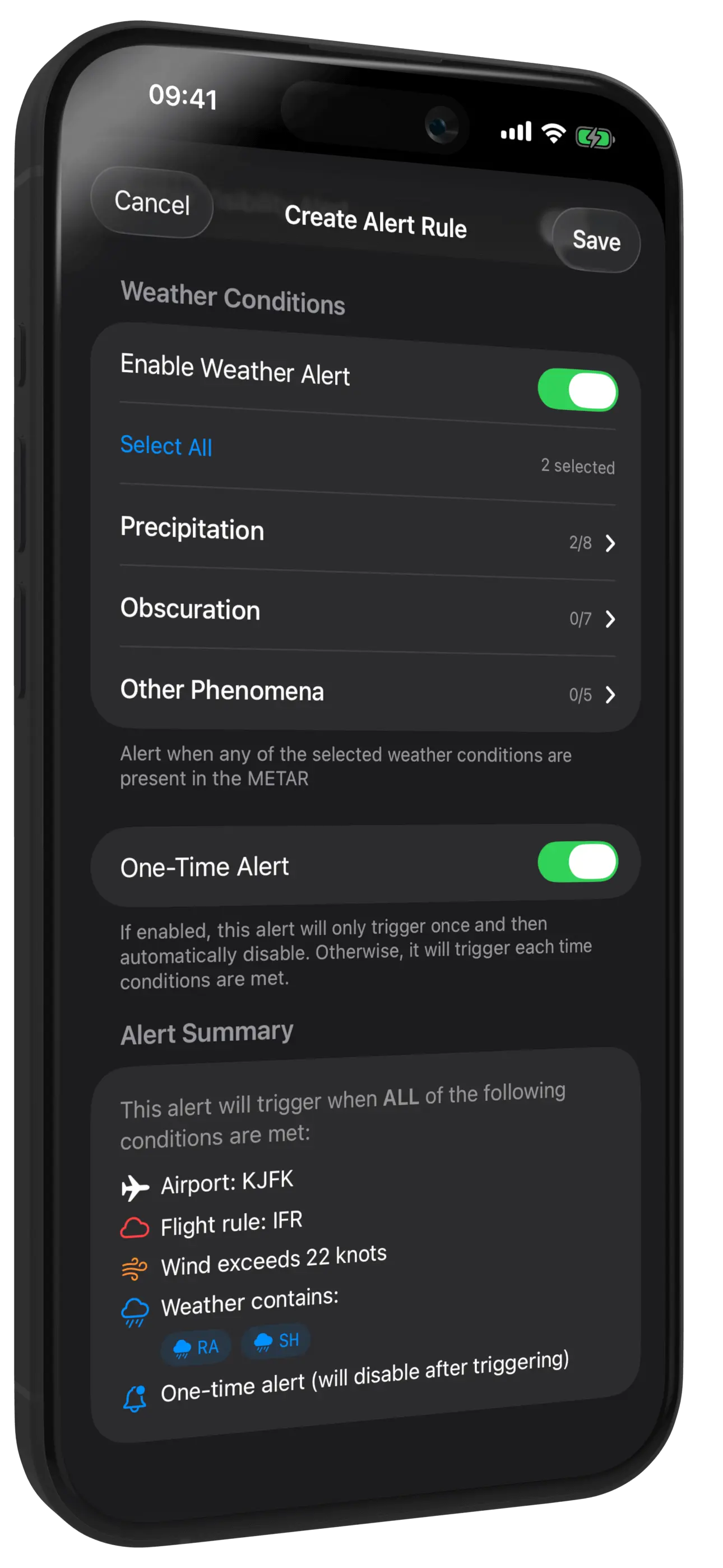
Set up custom alerts for flight rules, wind conditions, visibility, and weather phenomena. Get instant push notifications when conditions match your criteria.

AirportWX weather alerts

Flight Rules Alerts

Get notified when VFR, MVFR, IFR, or LIFR conditions change

Wind Alerts

Monitor wind speed and gust thresholds for safe operations

Weather Codes

Track fog, thunderstorms, icing, snow, and rain conditions

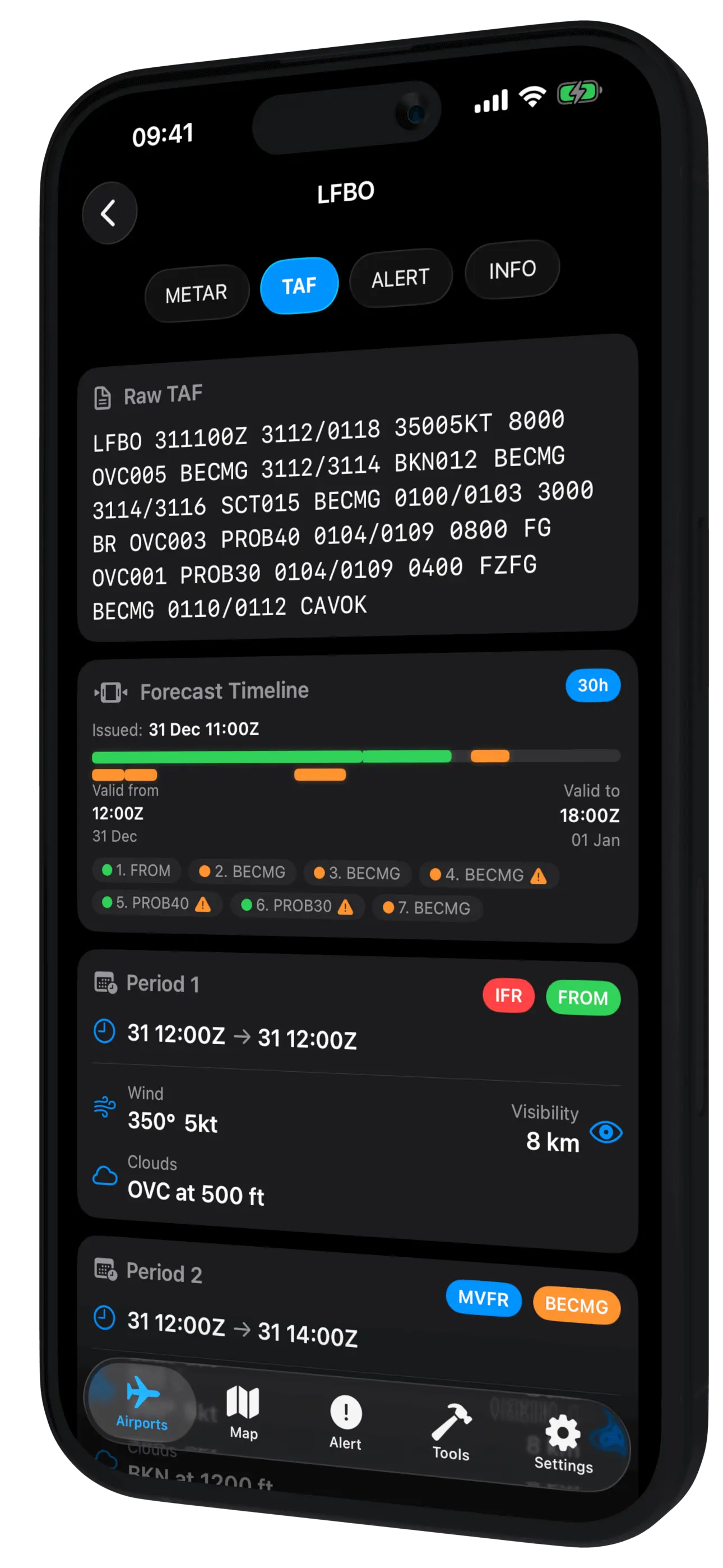
AirportWX screenshot showing TAF

Decode Weather Reports

AirportWX automatically decodes complex aviation weather reports into easy-to-understand format. No more deciphering cryptic abbreviations.

Ready to fly?

Download AirportWX and get instant access to aviation weather worldwide.

Frequently Asked Questions

AirportWX supports over 48,000 airports worldwide! You'll find detailed information for each airport including runways, sunset/sunrise times, and exact coordinates. Most airports have METAR and TAF data available, though some smaller remote airports may only have basic information without weather reports.
AirportWX offers both a free version with core features and a premium version with additional capabilities like advanced alerts and unlimited favorite airports.
Yes! AirportWX includes 4 different home screen widgets to keep track of your favorite airports at a glance. More widget styles are coming in future updates.
AirportWX provides both METAR and TAF reports in raw and decoded formats. The decoded view makes it easy to understand complex aviation weather without memorizing abbreviations.
AirportWX includes comprehensive pilot tools: unit converters (fuel, temperature, pressure), QNH calculator, pressure altitude calculator, true airspeed (TAS) calculator, crosswind component calculator, cloud base calculator, relative humidity calculator, dew point calculator, flight time calculator, and ground speed calculator.
You can customize alerts for each favorite airport individually. Set thresholds for wind speed, visibility, flight rules (VFR/MVFR/IFR/LIFR), and weather phenomena. Alerts trigger only when all your conditions are met - for example, if you set flight rules to LIFR and wind to 30kt, you'll only get notified when both conditions occur. Weather codes work differently: selecting rain AND snow means you'll be alerted if either occurs. The server checks weather every 30 minutes. To prevent spam, if conditions remain the same (like wind staying above 30kt), you won't get repeated alerts. However, different alert types will still notify you normally.
The map displays real-time flight rules (color-coded) for every airport with available METAR data. It uses smart zoom levels: when zoomed out you see large airports only, zoom in to reveal medium airports, and zoom further to see small airports. Your favorite airports are always visible regardless of zoom level. You can enable wind indicators in settings to see wind direction and speed. Tap any airport to view details or quickly add it to favorites using the star icon.
Yes! AirportWX caches recently viewed weather data so you can access it even without an internet connection. Perfect for pre-flight planning when connectivity might be limited.